
Files
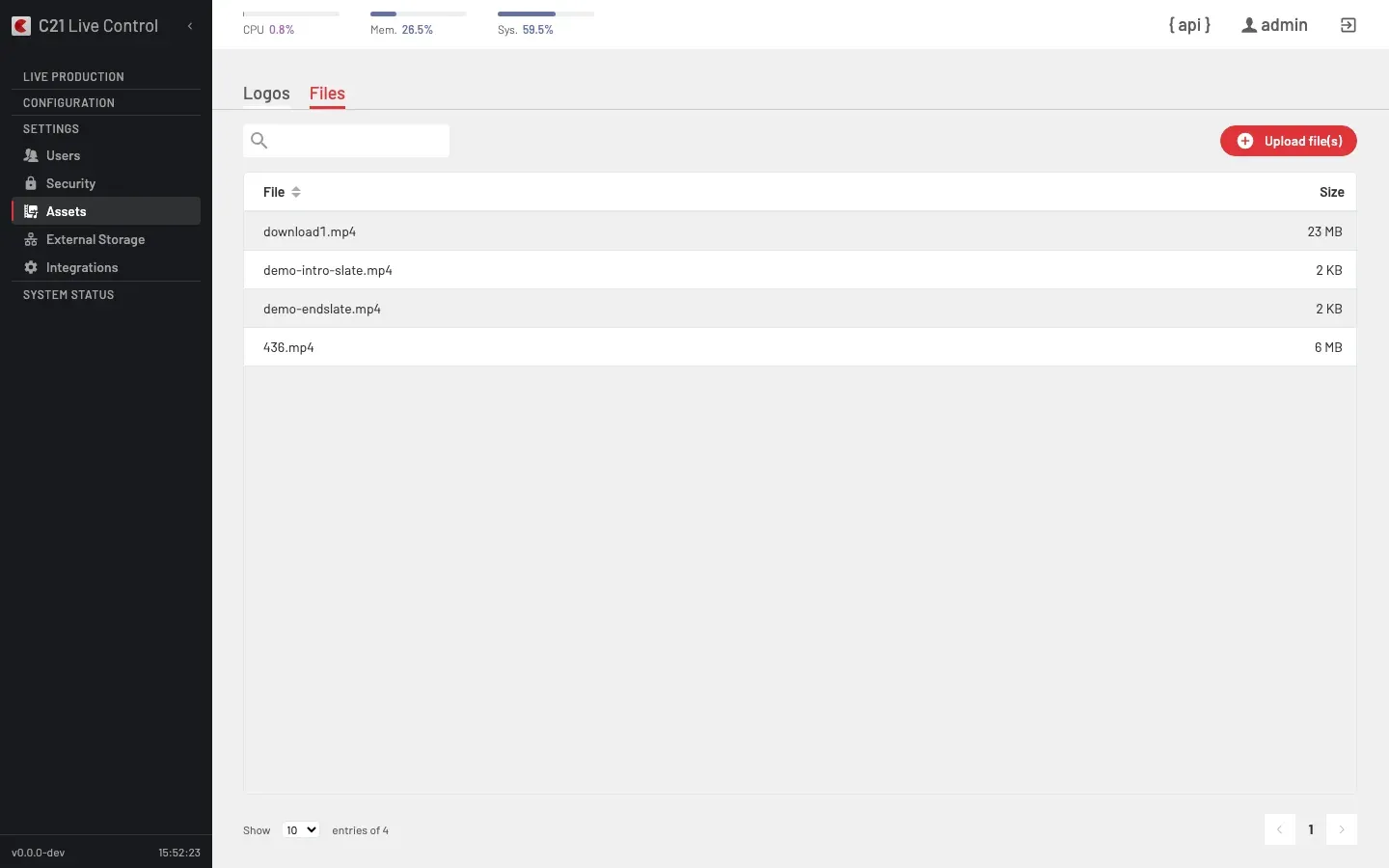
The Files tab of the Assets section lists broadcast files — intros, slates, fallback loops — that the runtime layer can play in place of the program output. The other Assets tab is Logos.
What goes here
A broadcast file is a standalone media file managed by C21 Live Control and reusable across Live streams. The catalogue is flat: a file lives in the global files bucket and any Live stream can pick it up at runtime.
A third API bucket, clips, is produced from the Recordings editor and is not listed in the Assets section.
Catalogue columns
| Column | Notes |
|---|---|
| File | Filename (sortable). |
| Size | Human-formatted size (68 Bytes, 3 KB, 23 MB). |
The toolbar exposes the primary action Upload file(s) and a search box that filters the list by filename substring.
Runtime use on a Live stream
The runtime cluster on the Live stream options view exposes the Apply blackout action — runtimeApplyBlackout on the API. It replaces the program output with a broadcast file (or a black slate) on the running broadcast without stopping it. Exit the blackout to return to the source.
Cross-links
- Live stream options — runtime operations cluster.
- Broadcast blackout — end-to-end walkthrough.
- Logos — the other Assets tab, image overlays.
- Sources — file-loop Channels, files used as a primary live input rather than as a runtime overlay.
FAQ
runtimeApplyLogo) and one blackout / file slot (via runtimeApplyBlackout) per Live stream. Both can be active simultaneously.runtimeApplyBlackout with the clear shape to return to the source.